Learn Filipino Sign Language with your camera.
KinetixFSL is a free Android app. Watch a sign, copy it in front of your phone, and get feedback on the spot. Lessons and camera practice work without internet.
Version 1.0.9 · 106 MB
Needs Android 10 or newer (64-bit and 32-bit phones).
Watch it, copy it, check it.
Every sign follows the same loop, so you always know what to do next.
-
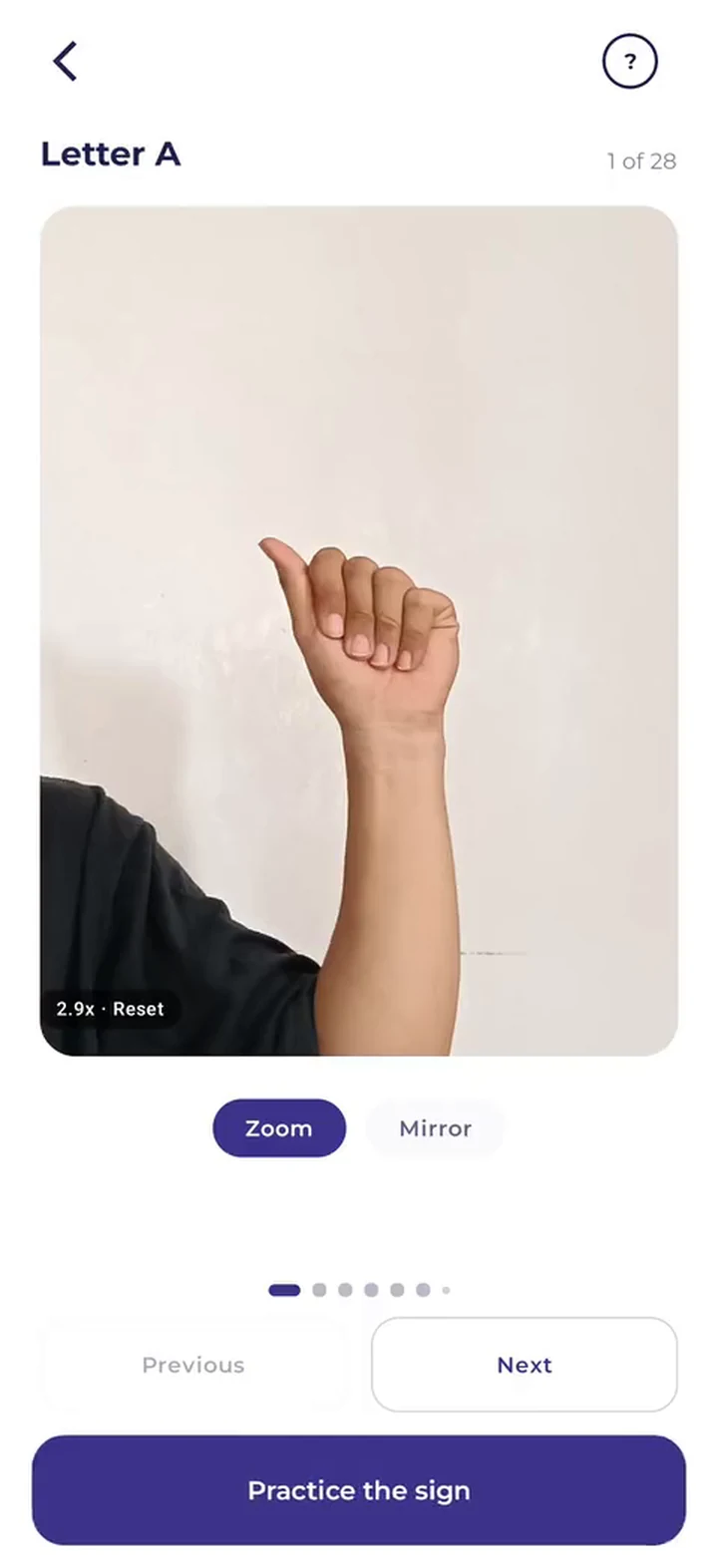
Watch the sign
Open a reference video or image. Zoom in or mirror it, and loop or slow down a video, until you can see the handshape and movement.
-
Copy it on camera
Find good light, frame your hands, and sign in front of the front camera. The camera frames are processed on your phone.
-
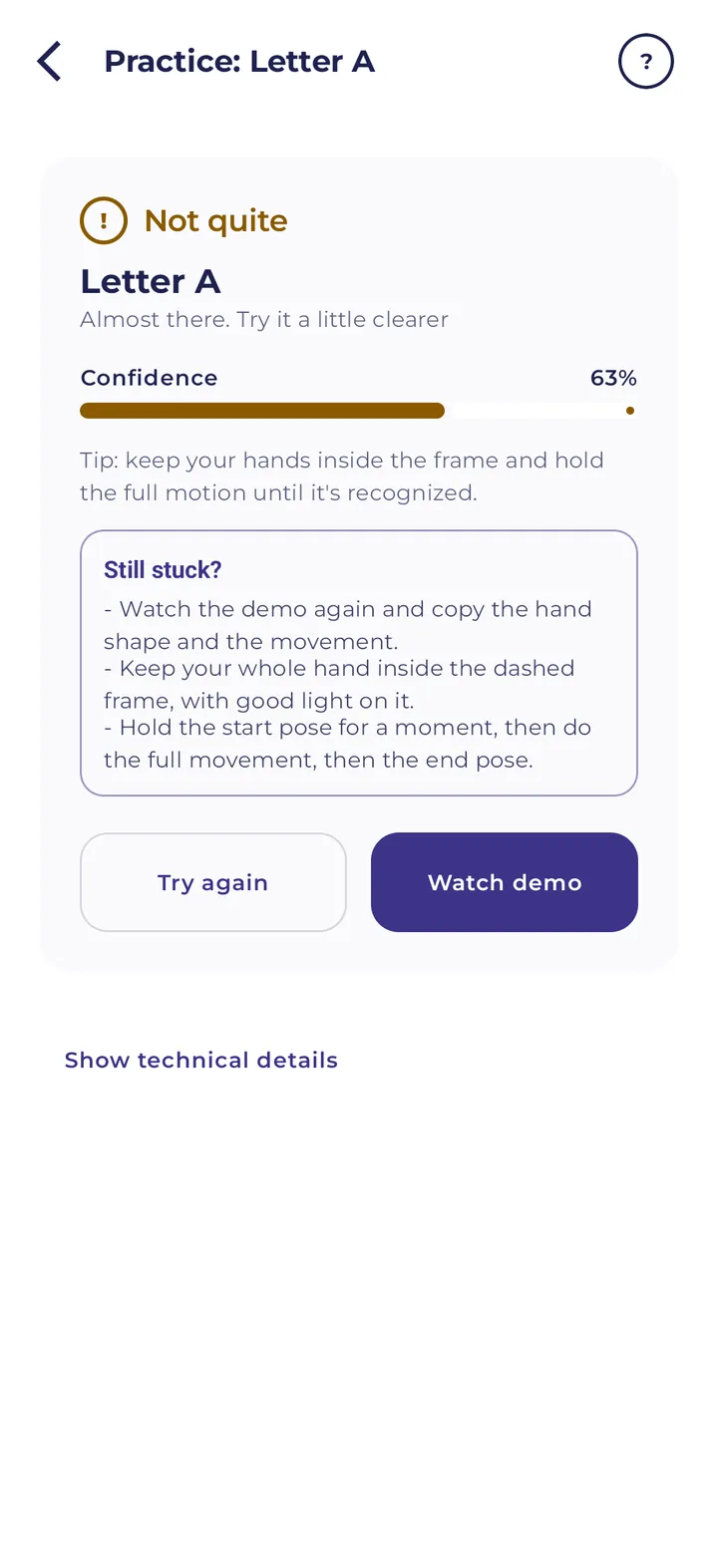
Check and repeat
The app tells you how close you were and what to change. Watch the demo again, try again, and keep going.
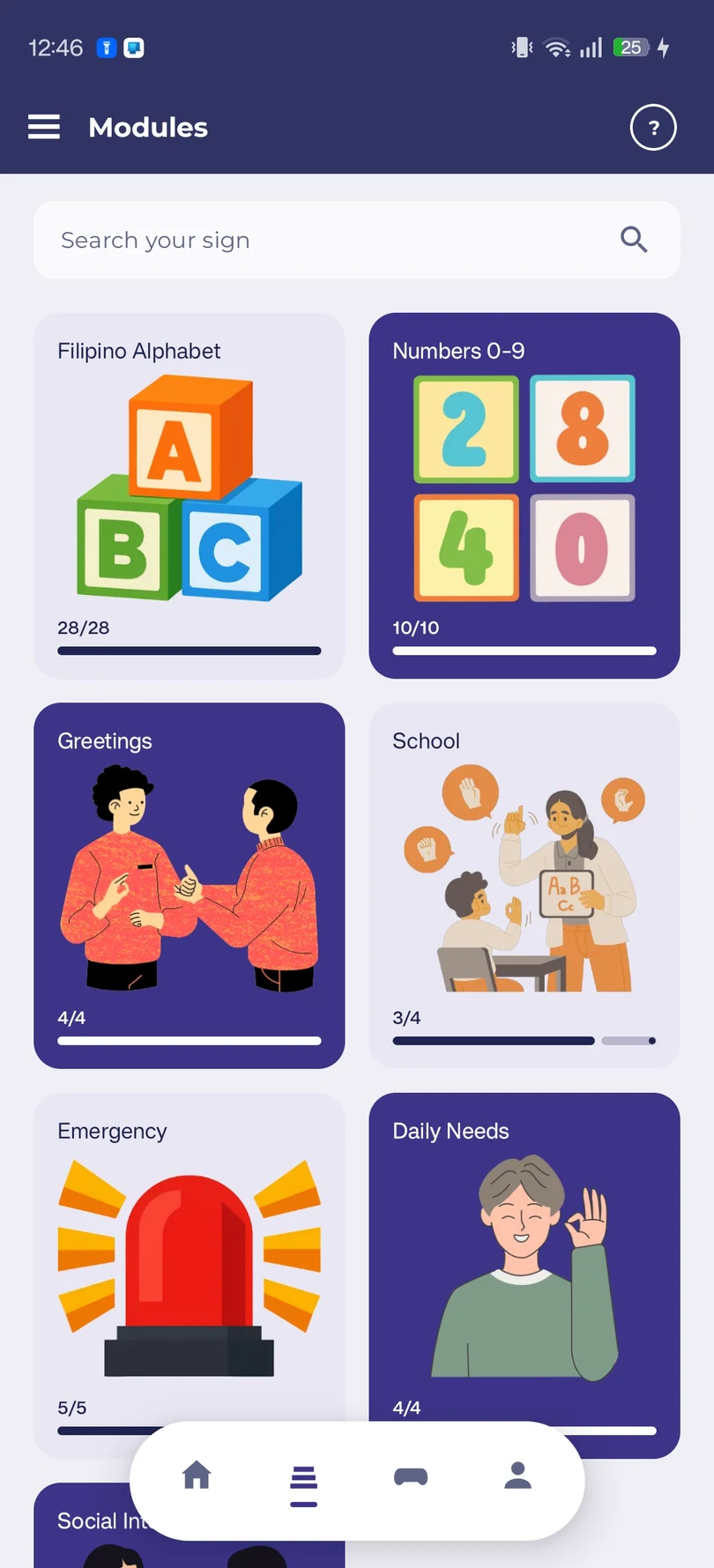
59 signs in seven modules, plus the community’s.
These seven official modules have demos and camera practice. The catalog may grow as the app develops.
-
Filipino alphabet
Your first building blocks, with Ñ and NG.
28 signsABCDEFGHIJKLMNÑNGOPQRSTUVWXYZ
-
Numbers
Count from 0 to 9.
10 signs0123456789
-
Greetings
Start a conversation.
4 signsKamusta · Salamat · Walang anuman · Ayos lang ako
-
School
Words for class.
4 signsTapos na · Klase · Lektyur · Guro
-
Emergency
Essential vocabulary for emergencies.
5 signsPanganib · Manatili · Kalma · Aksidente · Ligtas
-
Daily needs
Make everyday needs understood.
4 signsKain · Inom · Tulog · Gutom
-
Social interaction
Yes, no, friend, sorry.
4 signsOo · Hindi · Kaibigan · Patawad
Community modules
Ten more modules hold 167 more sign videos, made from community videos. A licensed SPED teacher reviewed the videos outside the app, and moderation is handled in the admin console, not in the learner app. They widen the library beyond the official modules: Greetings and Polite Expressions, Question Words, Days of the Week, Months of the Year, Colors, Directions and Locations, People, Family and Relationships, Basic Action Words, Adjectives, and Mental Actions and Emotions.
These are video lessons only. Camera practice is not available for them.
Keep it going, together.
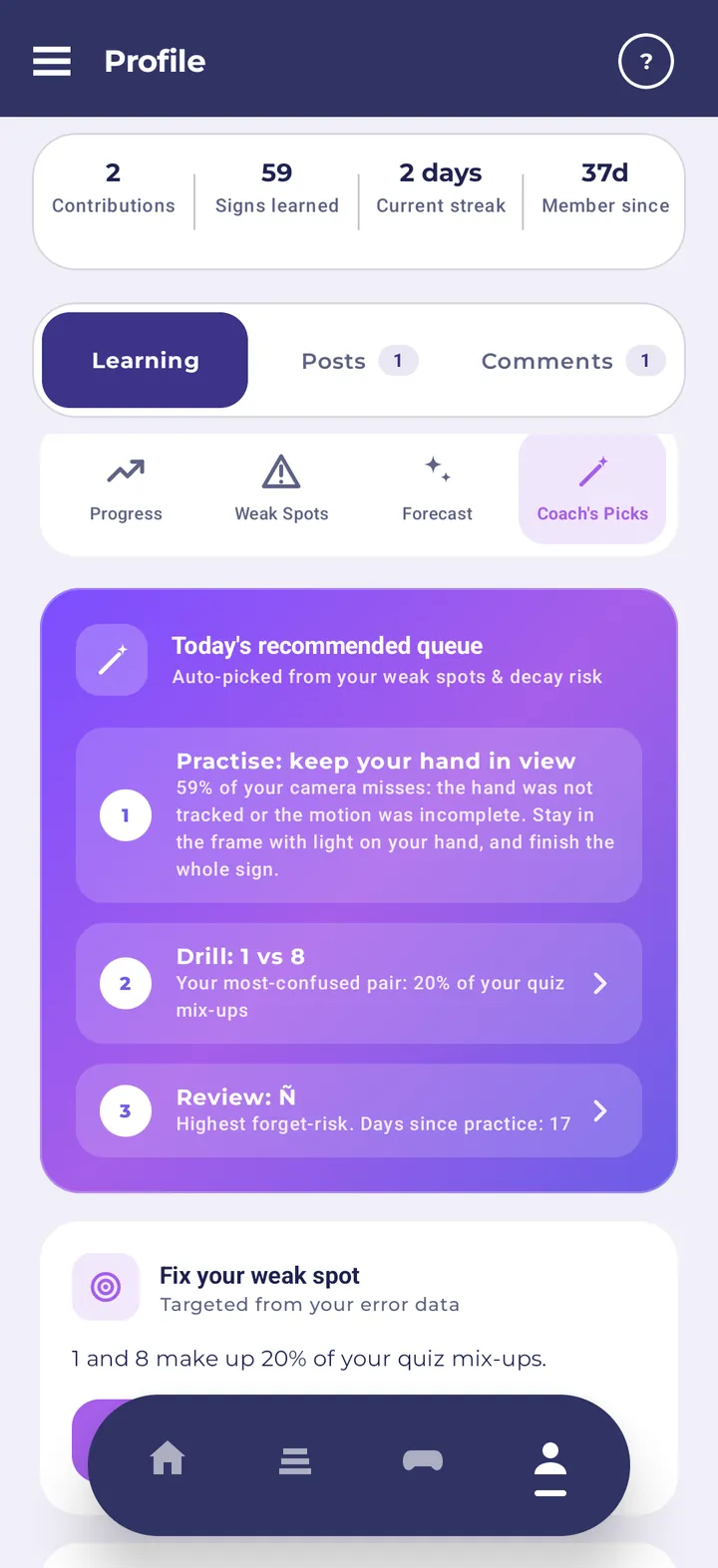
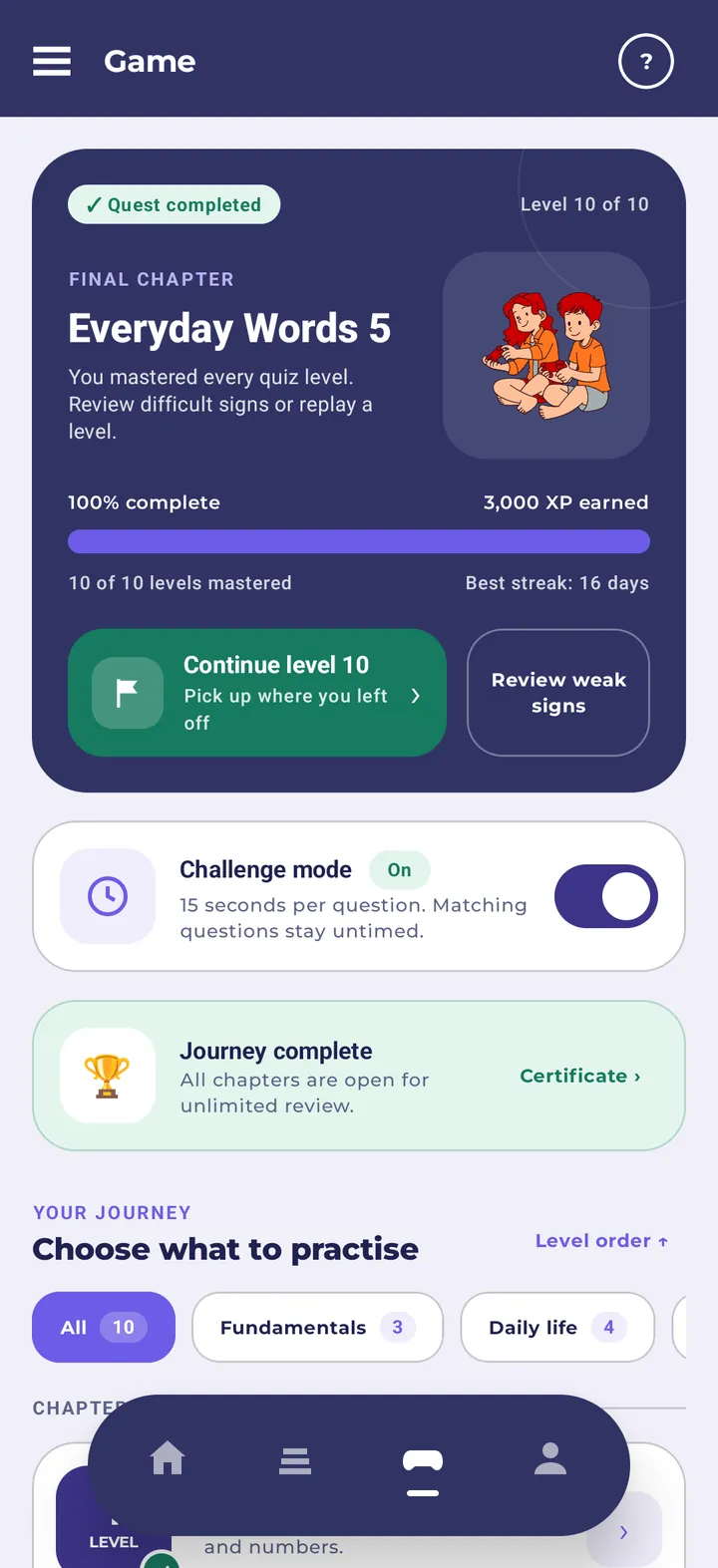
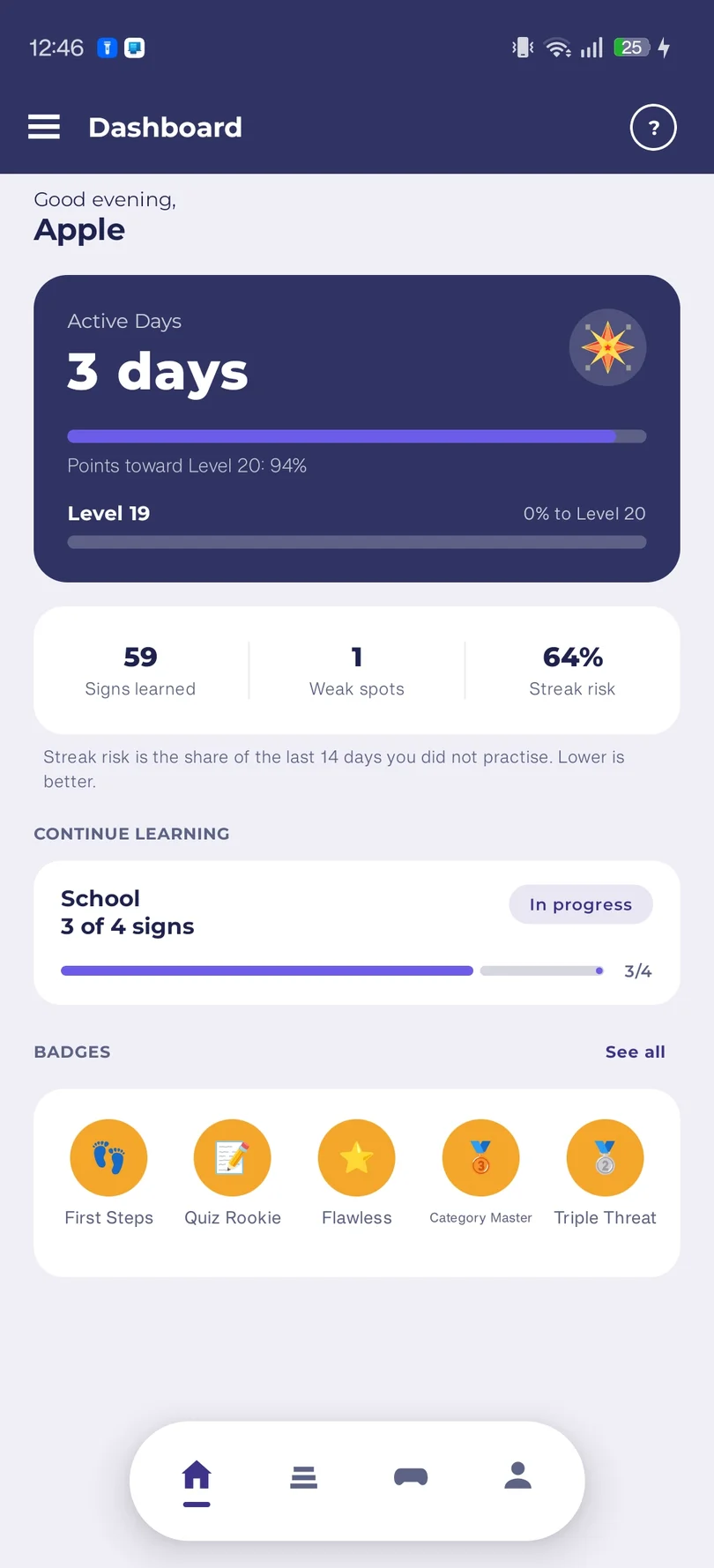
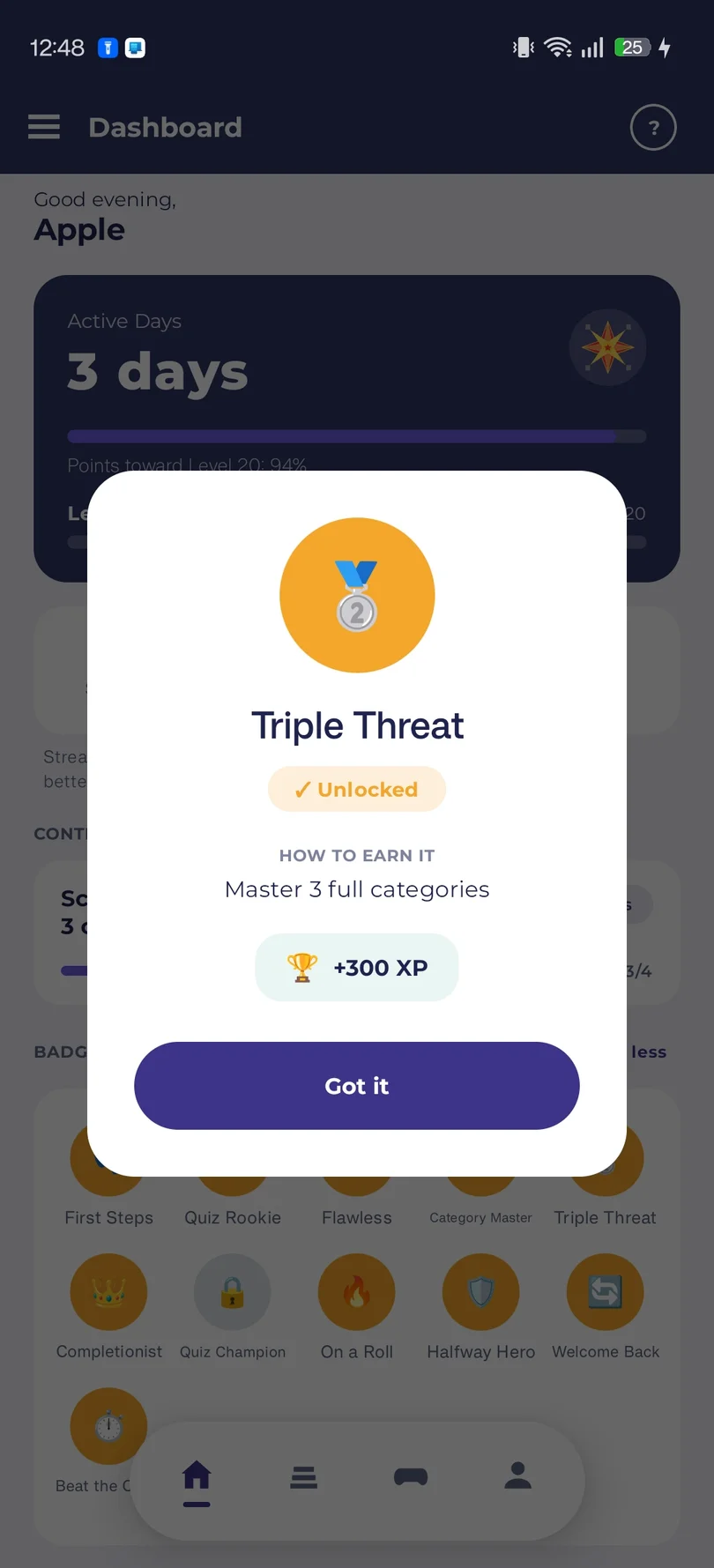
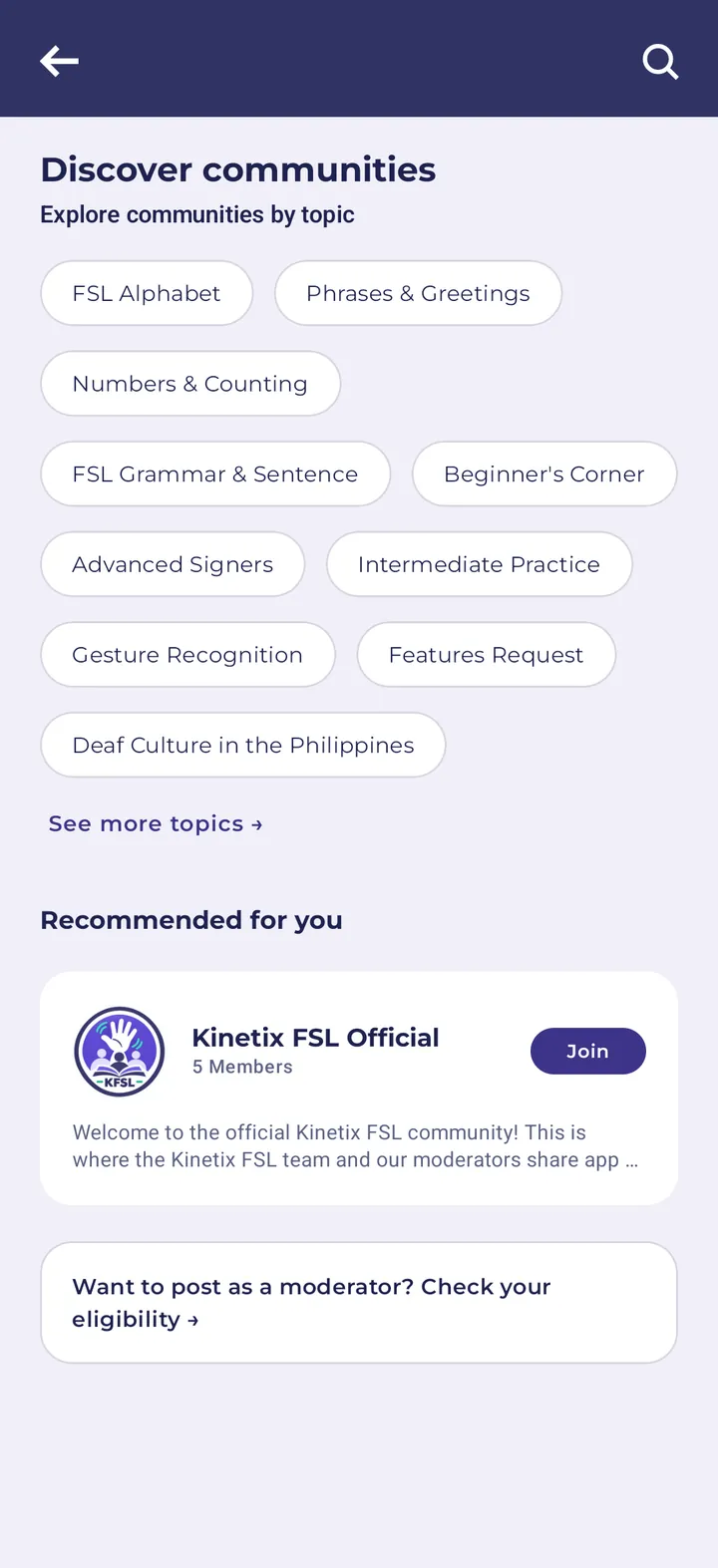
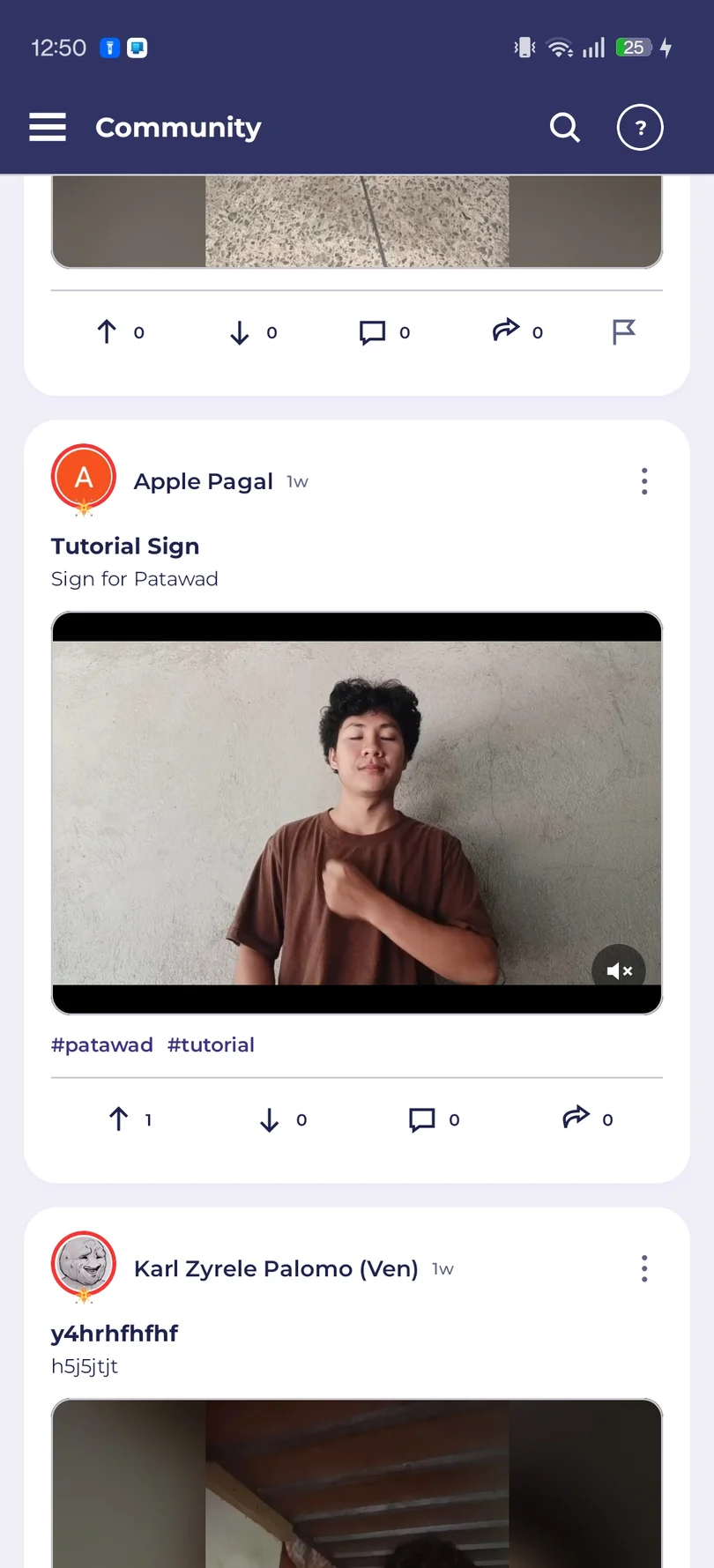
Quizzes, XP, streaks and badges track your progress. The app suggests what to practice next, and when you are online you can watch and share sign videos with other learners.
What works without internet.
Practice shouldn't wait for a signal.
No internet needed
- Lessons
- Camera practice
- Quizzes
- Progress and badges
- Gesture to Text
Guest mode needs no account.
Needs internet and an account
- Community
- Chat
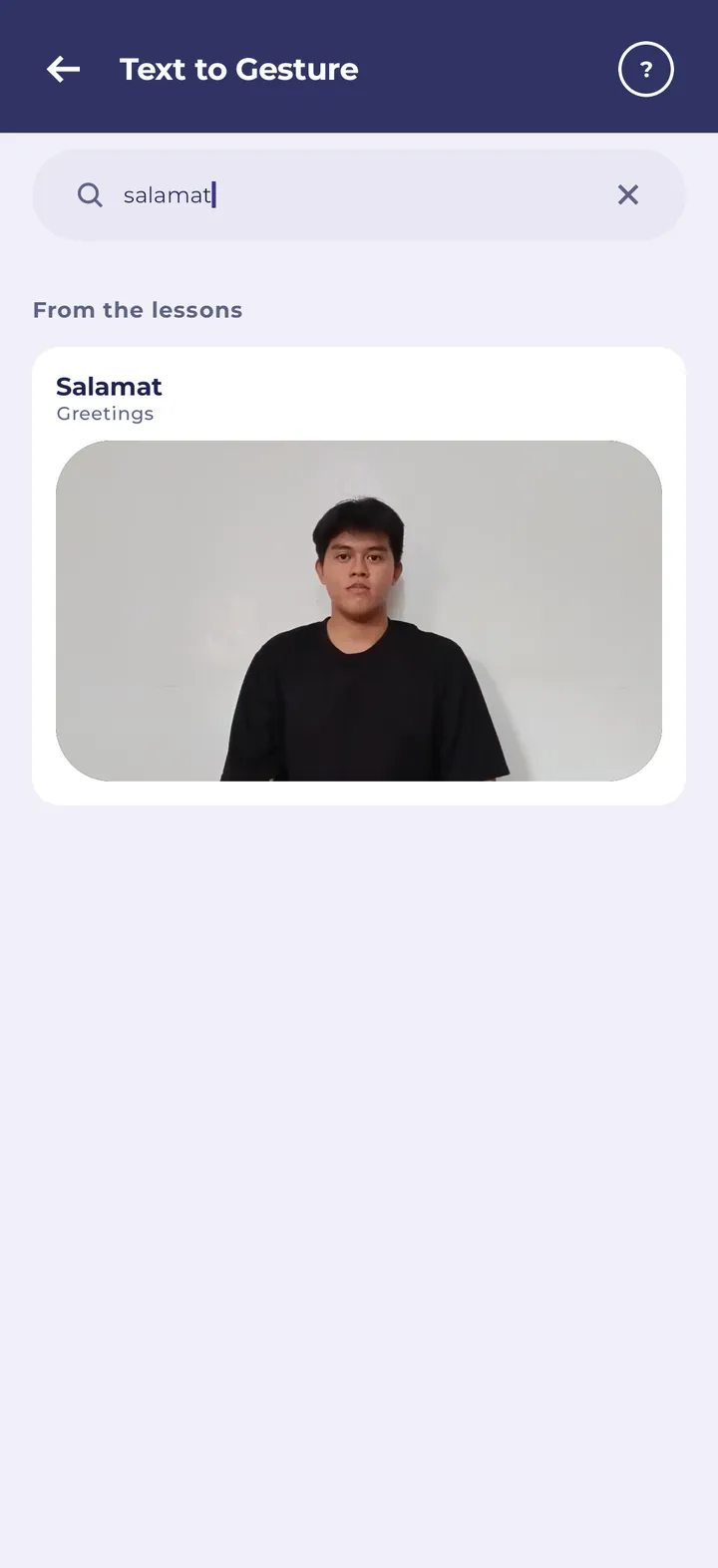
- Text to Gesture community results
- Cloud progress backup
- Online notifications
Camera frames are processed on your phone and are not uploaded.
A practice aid, not a teacher.
Camera feedback is still being developed and will not always get it right. Feedback changes with lighting, framing, movement and who is signing.
Learn alongside FSL teachers and the Deaf community whenever you can. KinetixFSL is here to give you more practice between those moments.
A student project from Batangas State University.
KinetixFSL is a BSIT capstone project from Batangas State University, JPLPC-Malvar. It brings guided lessons and on-device sign recognition together in one Android app.
It was made with students, families, friends and educators in mind, as a small contribution toward more chances to learn and connect.
Download KinetixFSL for Android.
Android may ask you to allow installs from your browser. After that, new versions install from inside the app: Settings, then Check for new updates.
Download APK- Version
- 1.0.9 · 106 MB
- Works on
- Android 10 or newer, 64-bit and 32-bit phones with a front camera
- Price
- Free
- Checksum (SHA-256)
Questions people ask.
How do I get updates?
New versions are published on this page. The app installs them from Settings, then Check for new updates.
Does the app work offline?
Lessons, camera practice, quizzes, progress tracking and Gesture to Text are designed to work offline. Community, sign-in, cloud backup and the community results of Text to Gesture need an internet connection. Text to Gesture finds lesson signs offline.
Do I need an account?
Guest mode is for learning and offline practice without an account. Community features and cloud progress backup need you to sign in.
Is my camera video uploaded?
No. Camera frames used to check your sign are processed on your phone and are not uploaded. Media you choose to post to the community is a separate online feature. Read the privacy notice.
Will it work on my phone?
The APK needs Android 10 or newer and works on 64-bit and 32-bit phones. Camera practice needs a front camera. There is no iPhone version yet.
Can it check every sign?
The official catalog has 59 signs across seven modules, and all of them have camera practice. Ten community modules add 167 more sign videos as lessons only, without camera practice. Camera feedback is still being developed and will not always be right, especially for similar hand shapes or in poor light.
Does it replace an FSL teacher?
No. It is a learning and practice aid. Feedback can vary with lighting, framing, movement and the signer.